



Nomic / nomic-embed-vision-v1
A 92M-parameter vision embedding model, supports both unimodal and multimodal search pairing with nomic-embed-text-v1
Milvus Integrated
Task: Embedding
Modality: Image
Similarity Metric: Cosine
License: Apache 2.0
Dimensions: 768
Max Input Tokens:
Price: Free
Introduction to nomic-embed-vision-v1
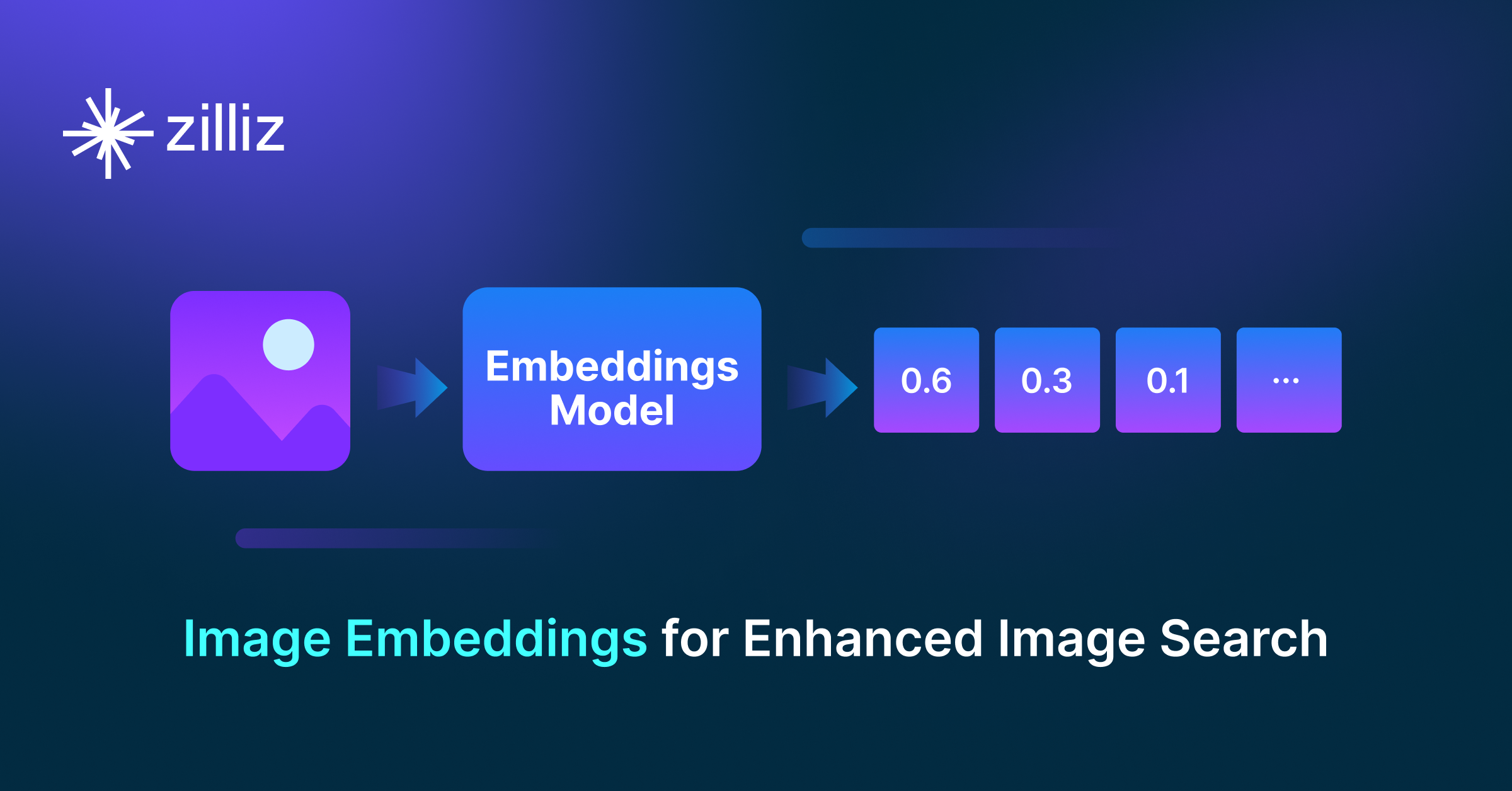
The nomic-embed-vision-v1 model is a fully replicable vision embedding model that shares the same latent space as nomic-embed-text-v1, enabling multimodal use where text and image embeddings can query one another directly. With a 92M-parameter vision encoder, it supports image and text embedding, unimodal search within each modality, and multimodal search across both.
How to create embeddings with nomic-embed-vision-v1
There are two primary ways to generate vector embeddings:
- PyMilvus: the Python SDK for Milvus that seamlessly integrates the
nomic-embed-vision-v1model. - The
embedmodule in the Nomic Python SDK provides embedding functionality using the Nomic Embedding API.
Once the vector embeddings are generated, they can be stored in Zilliz Cloud (a fully managed vector database service powered by Milvus) and used for semantic similarity search. Here are four key steps:
- Sign up for a Zilliz Cloud account for free.
- Set up a serverless cluster and obtain the Public Endpoint and API Key.
- Create a vector collection and insert your vector embeddings.
- Run a semantic search on the stored embeddings.
Create embeddings via PyMilvus and insert them into Zilliz Cloud for semantic search
from pymilvus import MilvusClient
from nomic import embed

# Prepare images (can be local paths or URLs)
images = ["path/to/image1.jpg", "path/to/image2.jpg", "path/to/image3.jpg"]

# Generate embeddings for images using nomic-embed-vision-v1
image_embeddings = embed.image(images=images, model="nomic-embed-vision-v1")[
    "embeddings"
]

# Prepare query image
query_images = ["path/to/query_image.jpg"]

# Generate embeddings for query
query_embeddings = embed.image(images=query_images, model="nomic-embed-vision-v1")[
    "embeddings"
]

# Connect to Zilliz Cloud with Public Endpoint and API Key
client = MilvusClient(uri=ZILLIZ_PUBLIC_ENDPOINT, token=ZILLIZ_API_KEY)

COLLECTION = "nomic_vision_v1_images"

# Drop collection if it exists
if client.has_collection(collection_name=COLLECTION):
    client.drop_collection(collection_name=COLLECTION)

# Create collection with dimension 768 (nomic-embed-vision-v1 output dimension)
client.create_collection(collection_name=COLLECTION, dimension=768, auto_id=True)

# Insert images with embeddings
for image, embedding in zip(images, image_embeddings):
    client.insert(COLLECTION, {"image_path": image, "vector": embedding})

# Search for similar images
results = client.search(
    collection_name=COLLECTION,
    data=query_embeddings,
    # consistency_level="Strong",  # Strong consistency ensures accurate results but may increase latency
    output_fields=["image_path"],
    limit=3,
)

# Print search results
print("Similar images found:")
for result in results[0]:
    print(f"  - {result['entity']['image_path']} (distance: {result['distance']:.4f})")
For more information, refer to our PyMilvus Embedding Model documentation.