


LangServe, LangGraph, Milvus로 지능형 RAG 애플리케이션 구축하기
이 블로그 게시물은 제가 이전에 작성한 LangGraph와 Llama 3를 사용한 로컬 Agentic RAG에 대한 후속 글입니다.
이 블로그 게시물에서는 LangChain 생태계의 강력한 두 도구인 LangServe와 LangGraph를 사용해 애플리케이션을 구축하는 방법을 살펴보겠습니다. 또한 Vector Database로 Milvus를 사용합니다. FastAPI 애플리케이션을 설정하고, LangServe와 LangGraph를 구성하며, 효율적인 데이터 검색을 위해 Milvus를 사용하는 방법을 보여드리겠습니다.
동영상 튜토리얼을 따라 해보기
배울 내용
LangServe와 LangGraph를 사용해 FastAPI 애플리케이션 설정하기.
벡터 저장 및 검색을 위해 Milvus 통합하기.
LangGraph로 LLM Agent 구축하기
사전 요구 사항
시작하기 전에 다음 종속성이 설치되어 있는지 확인하세요:
Python 3.9+
Docker
FastAPI와 Docker에 대한 기본 지식
LangServe 및 Milvus 소개
LangServe는 LangChain을 활용하는 동적이고 강력한 엔드포인트 생성을 간소화하도록 설계된 FastAPI의 확장입니다. API 엔드포인트로 노출할 수 있는 복잡한 처리 워크플로를 정의할 수 있게 해줍니다.
LangGraph — 그래프의 엣지와 노드로 단계를 모델링하여 LLM으로 견고하고 상태 저장 방식의 다중 행위자 애플리케이션을 구축하는 것을 목표로 하는 Langchain의 확장입니다.
Milvus는 확장성을 위해 구축된 고성능 오픈 소스 벡터 데이터베이스입니다. Milvus의 경량 로컬 버전인 Milvus Lite는 Docker나 Kubernetes 없이도 개인 기기에서 실행할 수 있습니다.
LangGraph로 도구 호출 Agent 구축하기
이전 블로그 게시물에서 LangGraph가 도구 호출을 가능하게 하여 언어 모델의 기능을 크게 향상할 수 있는 방법을 논의했습니다. 여기서는 LangServe로 이러한 Agent를 구축하고 Docker를 사용해 다양한 인프라에 배포하는 방법을 보여드리겠습니다.
Agentic RAG 소개
Agent는 언어 모델을 행동을 결정하고, 실행하며, 결과를 평가하는 강력한 추론 엔진으로 전환할 수 있습니다. 이 프로세스는 Agentic RAG(Retrieval Augmented Generation)로 알려져 있습니다. Agent는 다음을 수행할 수 있습니다:
웹 검색 수행
이메일 탐색
검색된 문서에 대한 자기 성찰 또는 자기 평가 수행
사용자 정의 함수 실행
그 외 더 많은 작업…
설정하기
LangGraph: 그래프를 사용해 단계와 결정을 모델링하여 LLM으로 상태 저장 애플리케이션을 구축하기 위한 LangChain의 확장입니다.
Ollama & Llama 3: Ollama는 Llama 3와 같은 오픈 소스 언어 모델을 로컬에서 실행할 수 있게 하여 오프라인 사용과 더 높은 제어권을 제공합니다.
Milvus Lite: 효율적인 벡터 저장 및 검색을 위한 Milvus의 로컬 버전으로, 개인 기기에서 실행하기에 적합합니다.
LangServe와 Milvus 사용하기
LangServe를 사용하면 복잡한 처리 워크플로를 API 엔드포인트로 노출할 수 있습니다. 여기서는 analyze_text 함수의 예시를 보여주며, FastAPI 앱에 /analyze 엔드포인트를 추가하여 이를 쿼리할 수 있게 합니다.
- FastAPI 애플리케이션 정의:
import uvicorn

from fastapi import FastAPI
from pydantic import BaseModel
from langchain_core.runnables import RunnableLambda
from langserve import add_routes

# Define Pydantic model for request body
class QuestionRequest(BaseModel):
    question: str

fastapi_app = FastAPI()

# Define LangServe route for text analysis
@fastapi_app.post("/analyze")
async def analyze_text(request: QuestionRequest):
    # Simulate text analysis (replace with your actual LangServe logic)
    entities = ["entity1", "entity2"]
    processed_data = f"Processed entities: {entities}"
    return {"entities": entities, "processed_data": processed_data}
add_routes(fastapi_app, RunnableLambda(analyze_text))

if __name__ == "__main__":
    uvicorn.run(fastapi_app, host="0.0.0.0", port=5001)
- 워크플로 관리를 위해 LangGraph 통합:
LangGraph를 사용하여 사용자 쿼리를 가장 적합한 검색 방법으로 라우팅하거나 답변 품질을 개선하기 위해 자기 수정을 수행하는 등 다양한 작업을 처리할 수 있는 맞춤형 Llama3 기반 RAG 에이전트를 구축하세요. 이를 어떻게 할 수 있는지 보려면 LangGraph에 관한 블로그를 자유롭게 확인해 보세요.
- 효율적인 데이터 검색을 위해 Milvus 활용:
Milvus를 통합하여 벡터 데이터를 효율적으로 저장하고 검색하세요. 이 단계는 관련 정보에 빠르게 접근할 수 있게 하며 애플리케이션의 성능을 향상합니다.
from langchain_core.documents import Document

def load_and_split_documents(urls: list[str]) -> list[Document]:
    docs = [WebBaseLoader(url).load() for url in urls]
    docs_list = [item for sublist in docs for item in sublist]
    text_splitter = RecursiveCharacterTextSplitter.from_tiktoken_encoder(chunk_size=250, chunk_overlap=0)
    return text_splitter.split_documents(docs_list)

def add_documents_to_milvus(doc_splits: list[Document], embedding_model: Embeddings, connection_args: Any):
    vectorstore = Milvus.from_documents(documents=doc_splits, collection_name="rag_milvus", embedding=embedding_model, connection_args=connection_args)
    return vectorstore.as_retriever()

urls = [
"https://lilianweng.github.io/posts/2023-06-23-agent/",
"https://lilianweng.github.io/posts/2023-03-15-prompt-engineering/",
"https://lilianweng.github.io/posts/2023-10-25-adv-attack-llm/",
]

doc_splits = load_and_split_documents(urls)
embedding_model = HuggingFaceEmbeddings()
connection_args = {"uri": "./milvus_rag.db"}
retriever = add_documents_to_milvus(doc_splits, embedding_model, connection_args)

#Function that the Agent will call when needed.
def retrieve(state: Dict[str, Any]) -> Dict[str, Any]:
    print("---RETRIEVE---")
    question = state["question"]
    documents = retriever.invoke(question)
    return {"documents": [doc.page_content for doc in documents], "question": question}
제 GitHub에서 코드를 자유롭게 확인해 보세요.
결론
이 블로그 게시물에서는 LangServe, LangGraph, Llama 3, Milvus를 사용해 에이전트 기반 RAG 시스템을 구축하는 방법을 보여주었습니다. 이러한 에이전트는 계획, 메모리, 도구 사용을 통합하여 LLM 기능을 향상하고, 더 견고하고 유익한 응답을 제공합니다. LangServe를 통합하면 이러한 정교한 워크플로를 API 엔드포인트로 노출할 수 있어 지능형 애플리케이션을 더 쉽게 구축하고 배포할 수 있습니다.
이 블로그 게시물이 마음에 드셨다면 Github에 스타를 주시고 Discord에 참여하여 커뮤니티와 경험을 공유해 보세요.

계속 읽기
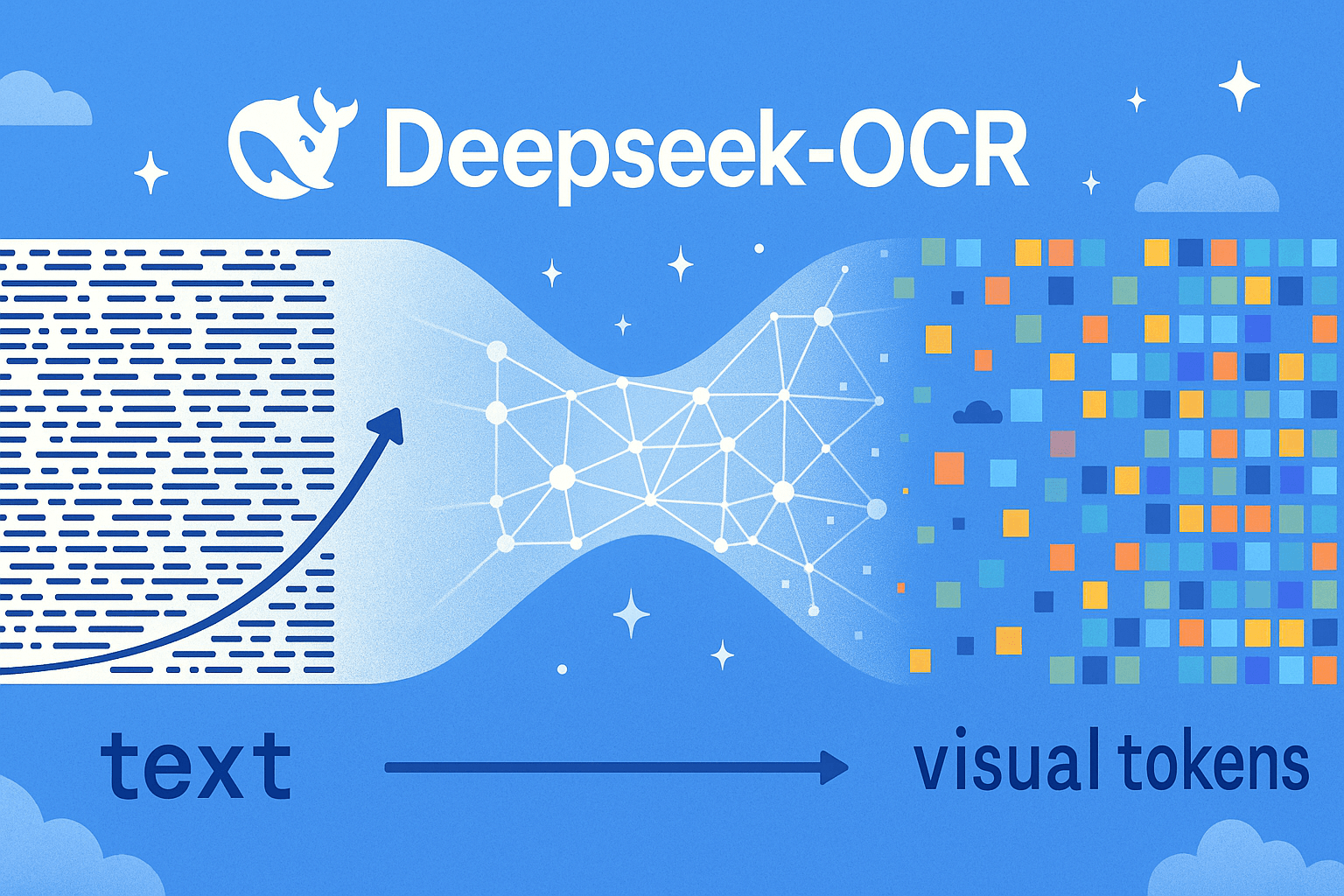
DeepSeek-OCR Explained: Optical Compression for Scalable Long-Context and RAG Systems
Discover how DeepSeek-OCR uses visual tokens and Contexts Optical Compression to boost long-context LLM efficiency and reshape RAG performance.

Zilliz Cloud Update: Tiered Storage, Business Critical Plan, Cross-Region Backup, and Pricing Changes
This release offers a rebuilt tiered storage with lower costs, a new Business Critical plan for enhanced security, and pricing updates, among other features.
Zilliz Cloud BYOC Upgrades: Bring Enterprise-Grade Security, Networking Isolation, and More
Discover how Zilliz Cloud BYOC brings enterprise-grade security, networking isolation, and infrastructure automation to vector database deployments in AWS